
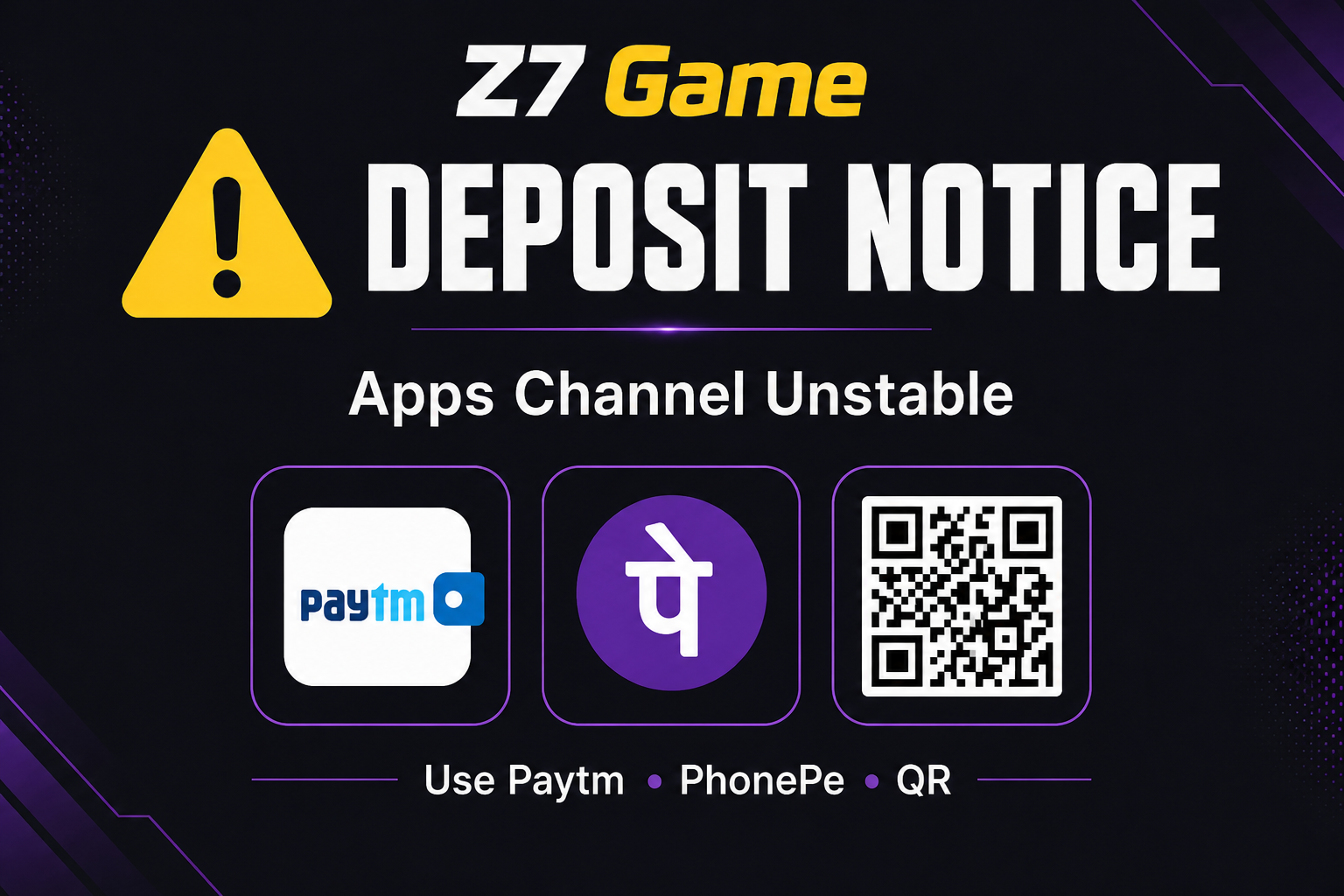
Platform pe yellow warning ke saath "Deposit Notice" aa raha hai. Message clear hai: "Apps deposit channel is currently unstable." Recovery window: "within 1 week." Is beech recommended methods: "Paytm", "PhonePe", "QR Code". Neeche step-by-step — panic mat karo, process follow karo.
Step 1 — Notice Padho, Force Retry Mat Karo
Agar "Apps" / in-app wallet channel fail / pending dikhe, bar-bar same method pe "Deposit" spam mat karo. Duplicate orders = money stuck + support ticket hell. Notice already bol raha hai channel unstable hai — treat it as real.
Step 2 — Sahi Method Select Karo
Z7 Game Deposit page pe yeh teen options prefer karo: "Paytm", "PhonePe", "QR Code". Order confirm se pehle check karo selected channel notice ke hisaab se hai. Galat/old "Apps" option choose kiya toh delay common hai.
Step 3 — Amount & Screenshot Discipline
Pehle chhota test amount try karo (apni min deposit ke around). Payment success screen + UTR / transaction ID save karo. App mein "Deposit" history open rakhna — pending vs success status note karo. 10–15 min wait karo before second attempt; instant credit na aaye toh turant dusra bada deposit mat daalo.
Step 4 — Agar Amount Cut Ho Aur Balance Na Aaye
Transaction ID / UTR copy karo. "Deposit Notice" time window note karo (Apps channel ~1 week recovery). Z7 Game live chat / support pe proof bhejo — polite, clear, ek ticket. Same payment dubara "pay again" mat karo jab tak pehli status clear na ho.
Step 5 — Security Checklist
Sirf official app / site se "QR Code" scan karo — Telegram pe bheja hua QR avoid. Paytm/PhonePe pe merchant name odd lage toh stop. OTP kisi se share mat karo, even if "support" bole.
One-Line Close
Yeh drama nahi, temporary "payment routing" issue hai. "Apps" skip karo, "Paytm" / "PhonePe" / "QR Code" use karo, proof save karo — Z7 Game pe zyada tar galatiyan yahi se avoid ho jati hain.

[Hands-on Reports]"Deposit Notice" Guide: Apps Channel Unstable Ho Toh Deposit Kaise Karein Bina Galati Ke
Review Hub