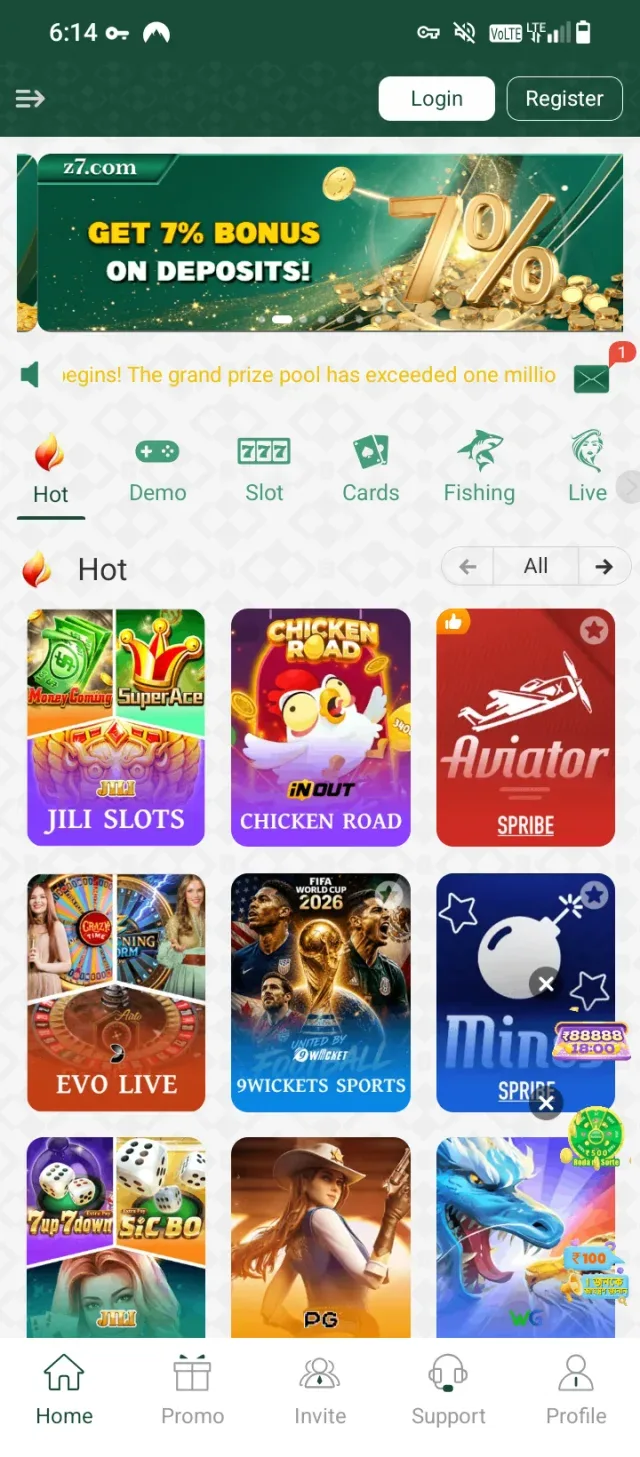
Z7 Game APK Download
APP install guide · Real device tested
This is the Android package used in our latest test
Platform
AndroidiOS
- Version
- Version 6.9.18
- File Size
- 6.25Mb
- Updated
- 24 Sep 2026
- Tested On
- Vivo Y29 Android 14
How to Install
- 1
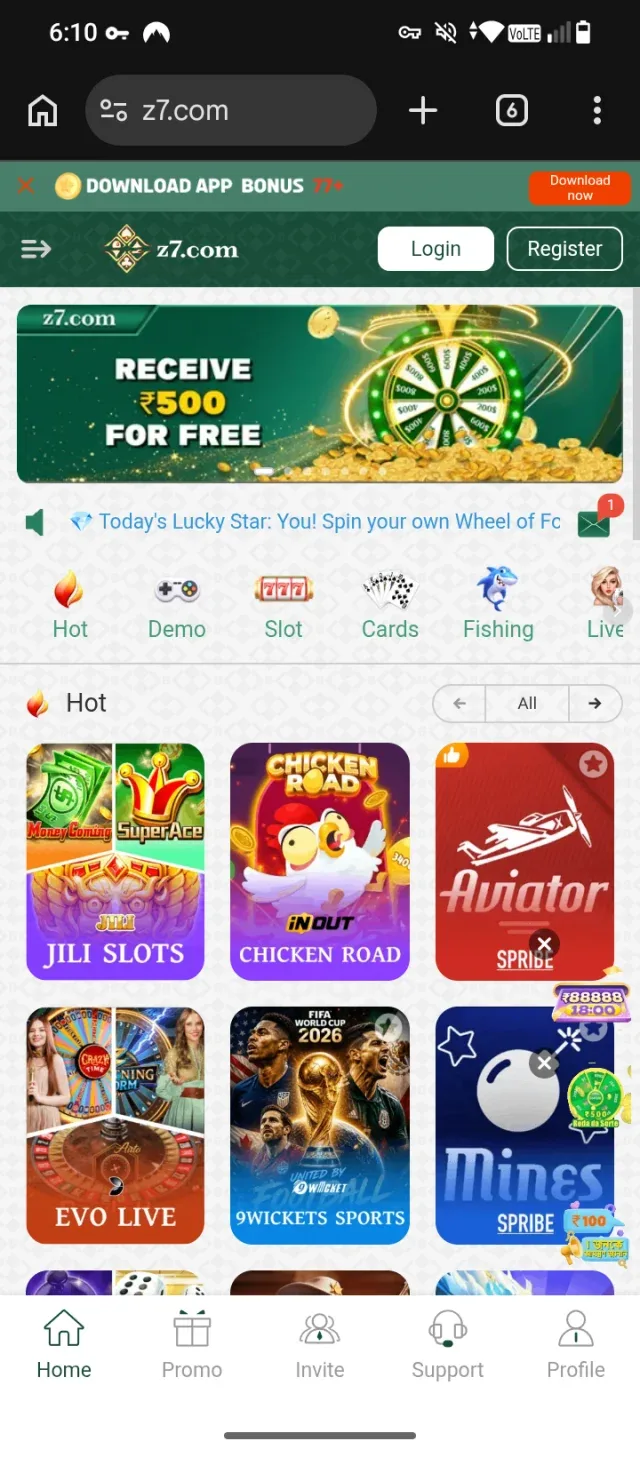
Visit official website
Go to https://z7.com/ and tap on download now icon on top right corner of the website
- 2
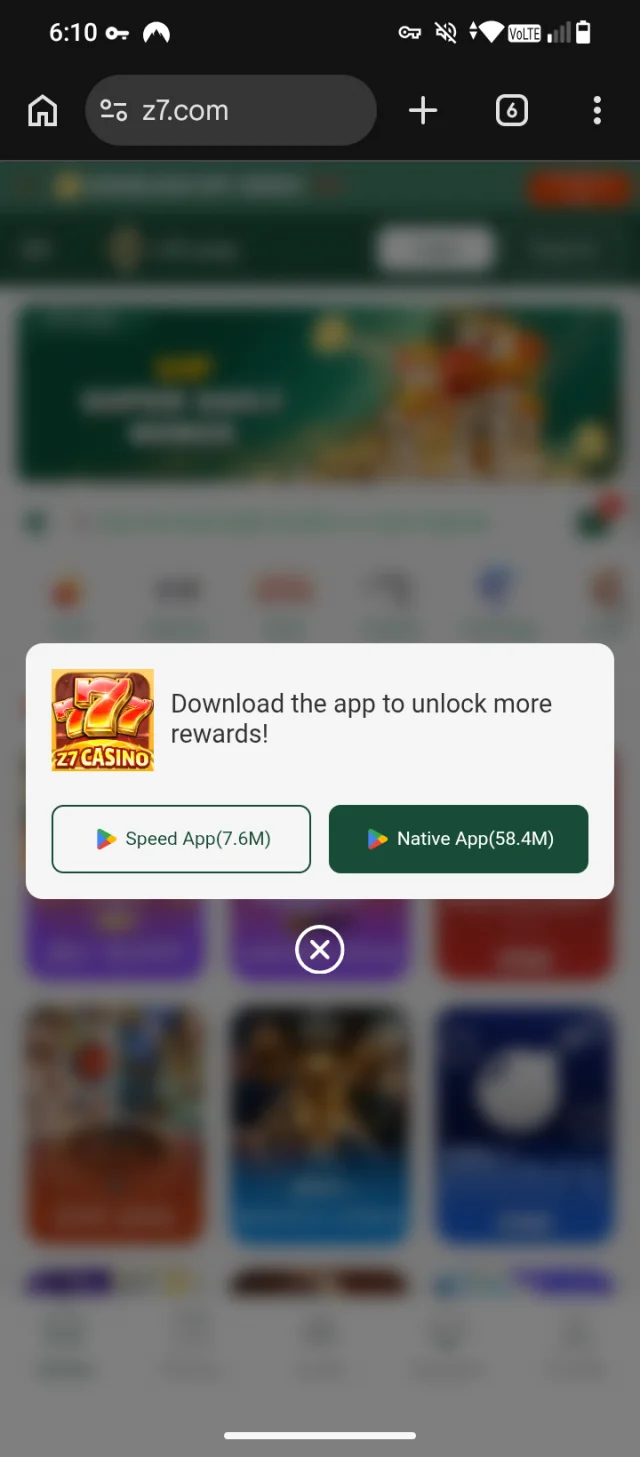
After tapping download
You will get 2 option to download choose second one
- 3
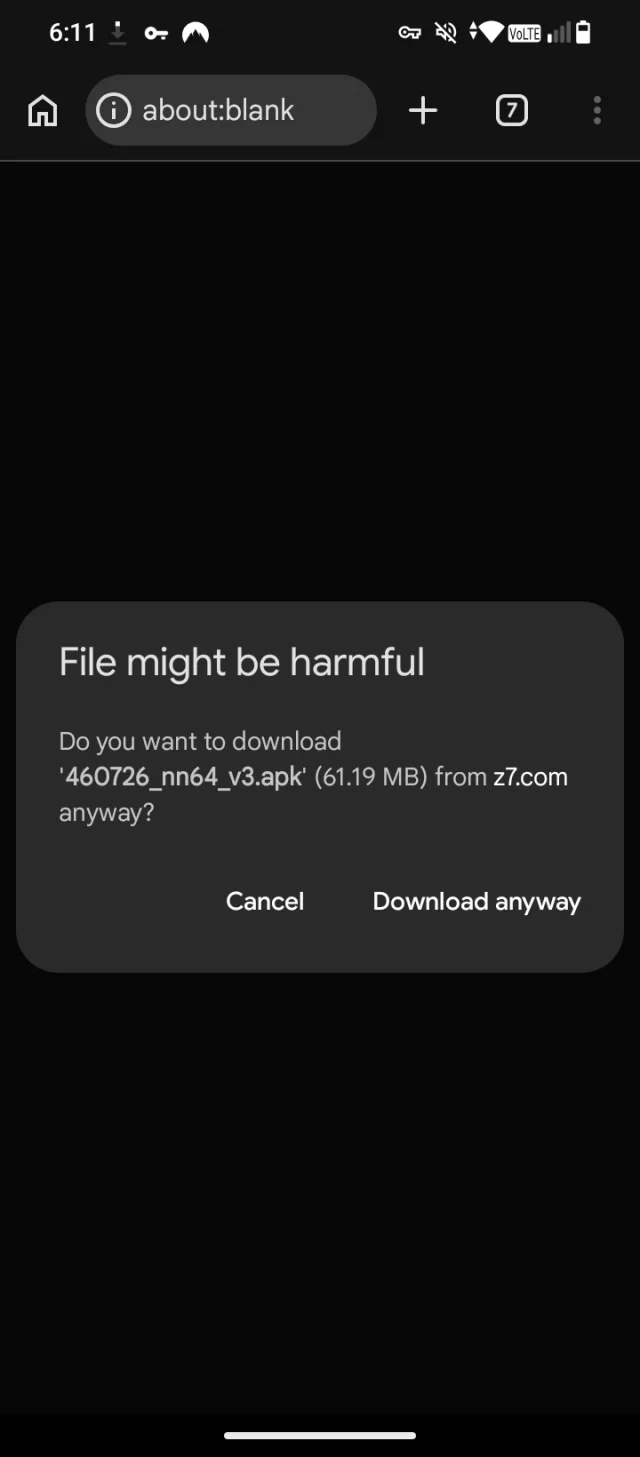
If Chrome shows a warning
Tap Download anyway or Keep file. This is normal for APKs not from Play Store.
- 4
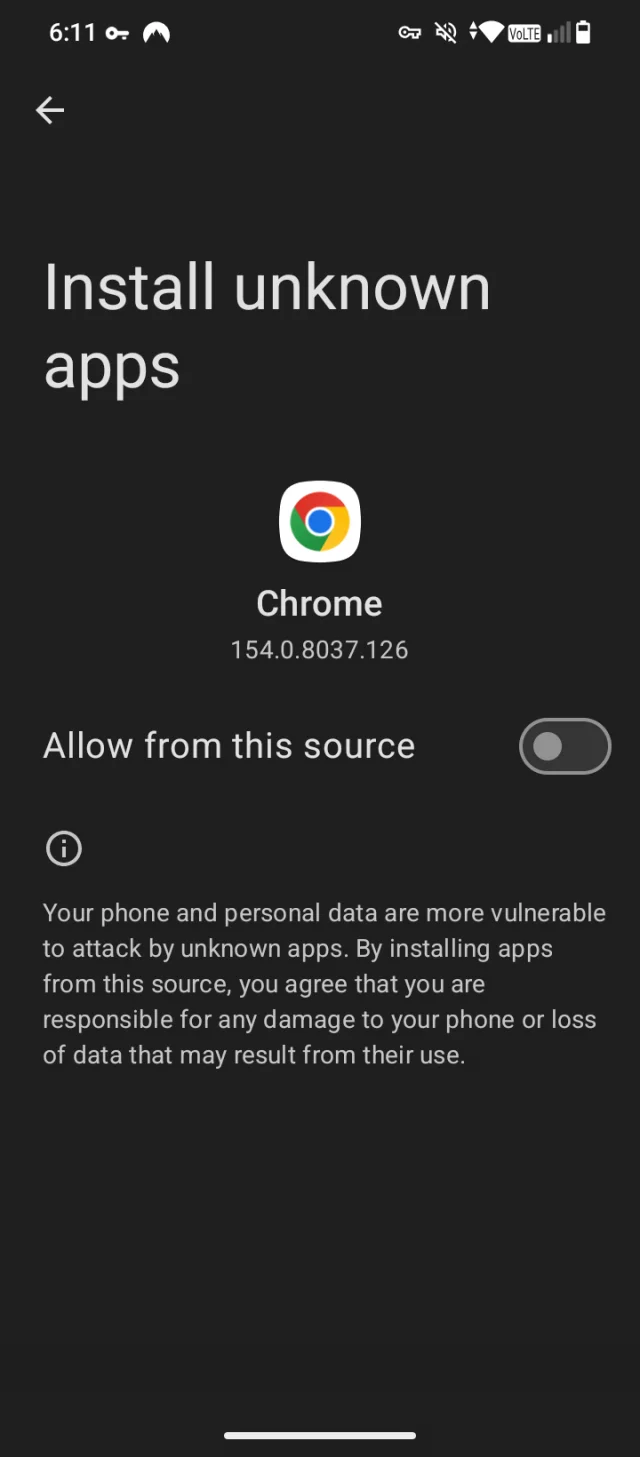
Allow install from unknown sources
Go to Settings -> Apps -> Special access -> Install unknown apps -> select your browser -> Allow.
- 5
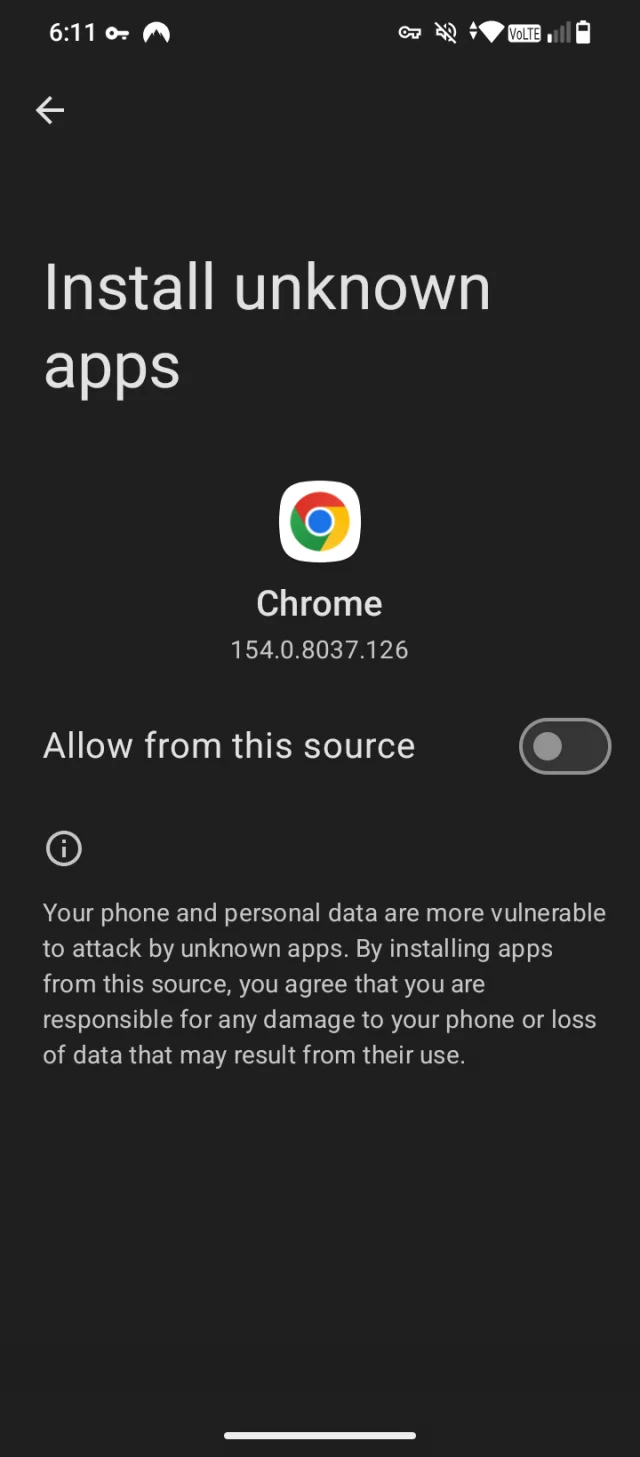
Open the APK and install
Open the downloaded file from notification or Files app. Tap Install. It usually takes less than 1 minute
- 6
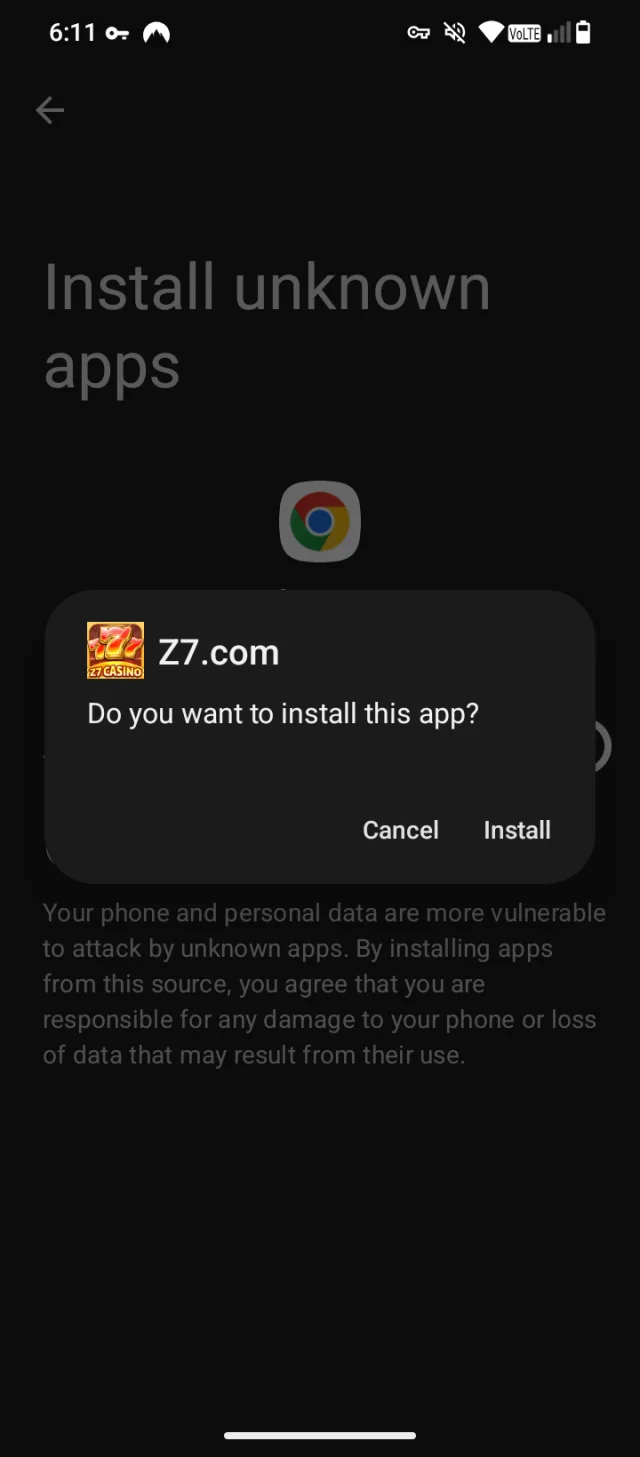
Open the APK and install
Open the downloaded file from notification or Files app. Tap Install. It usually takes less than 1 minute.
- 7
Open the app and log in
After install, open it. You still need to register or login with your mobile number. The app looks more faster than website.